
HTML Anything: Let Local AI Agents Generate Publish-Ready HTML

One-line positioning
HTML Anything is a local-first agentic HTML editor: it takes Markdown, tables, drafts, and data, then asks the AI coding agent already logged in on your machine to generate publish-ready single-file HTML or PNG.
Project: https://github.com/nexu-io/html-anything
Live demo: https://open-design.ai/html-anything/
Basic information
| Item | Details |
|---|---|
| Repository | nexu-io/html-anything |
| Positioning | An HTML editor for the agent era |
| Main stack | Next.js, React, Tailwind, SSE, local CLI agent execution |
| License | Apache-2.0 |
| Current traction | About 4.6k stars / 476 forks |
| Supported agent CLIs | Claude Code, Cursor Agent, Codex, Gemini CLI, GitHub Copilot CLI, OpenCode, Qwen Coder, Aider |
| Typical outputs | HTML, PNG, WeChat / Zhihu-ready rich content, social images, data reports, decks, posters, video frames |
What problem does it solve?
Markdown is great for drafting, but it is not always the final format readers should see.
When content is meant for WeChat, Zhihu, X, Xiaohongshu, data reports, long images, decks, or posters, Markdown is usually only the first step. You still need layout, typography, spacing, screenshots, and platform-specific paste compatibility.
HTML Anything makes a simple bet: if the final reader-facing format is HTML or an image, the AI agent should generate that final artifact directly instead of asking the user to keep tweaking styles by hand.
It changes the workflow from:
Write Markdown → manually format → adjust CSS → screenshot / paste into platforms → fix formatting againto:
Enter content → choose a template → local agent generates HTML → preview → copy or exportCore features
1. Automatically detects local AI agents
HTML Anything does not ask you to configure another API key. It scans your local PATH and detects coding-agent CLIs that are already installed and logged in.
Supported tools include Claude Code, Cursor Agent, OpenAI Codex, Gemini CLI, GitHub Copilot CLI, OpenCode, Qwen Coder, and Aider.
As long as you have already logged in through the terminal, HTML Anything can reuse the existing session and treat the local agent as the engine for generating HTML.
2. Uses Skill templates to control output quality
The project ships with 75 Skill templates covering documents, decks, posters, social cards, web prototypes, data reports, and Hyperframes video frames.
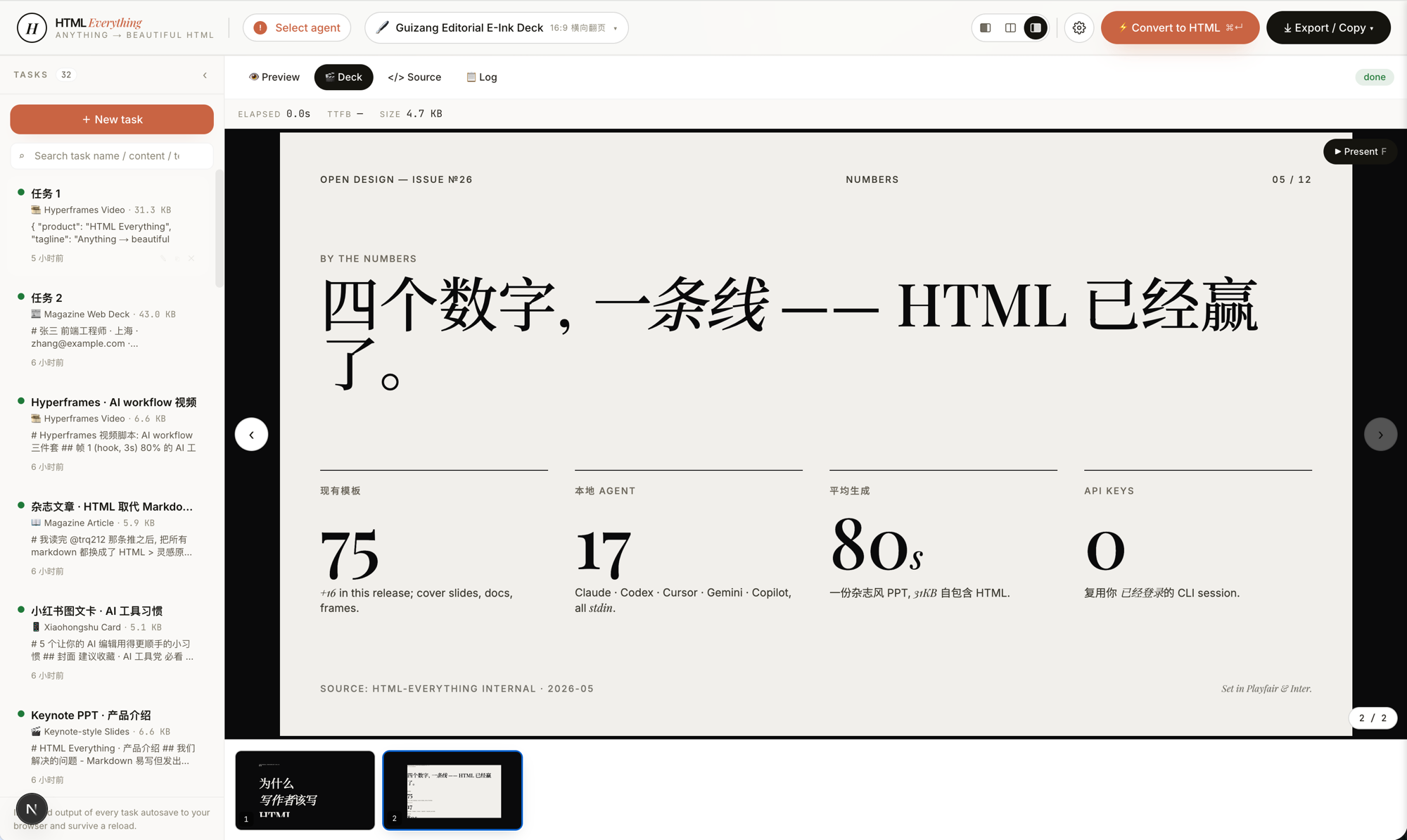
These Skills are not just visual themes. They are templates with explicit design constraints: font stacks, an 8px baseline grid, color contrast, radius, shadows, and the requirement to use real user-provided data. The goal is to reduce rough, generic AI-looking output.
3. Supports multiple content surfaces
Beyond regular articles, HTML Anything is closer to a “content artifact generator.” The same input can become different deliverables:
- Magazine-style articles
- Keynote-style decks
- Resumes
- Posters
- Xiaohongshu cards
- X / Tweet cards
- Web prototypes
- Data reports
- Hyperframes / Remotion video frames
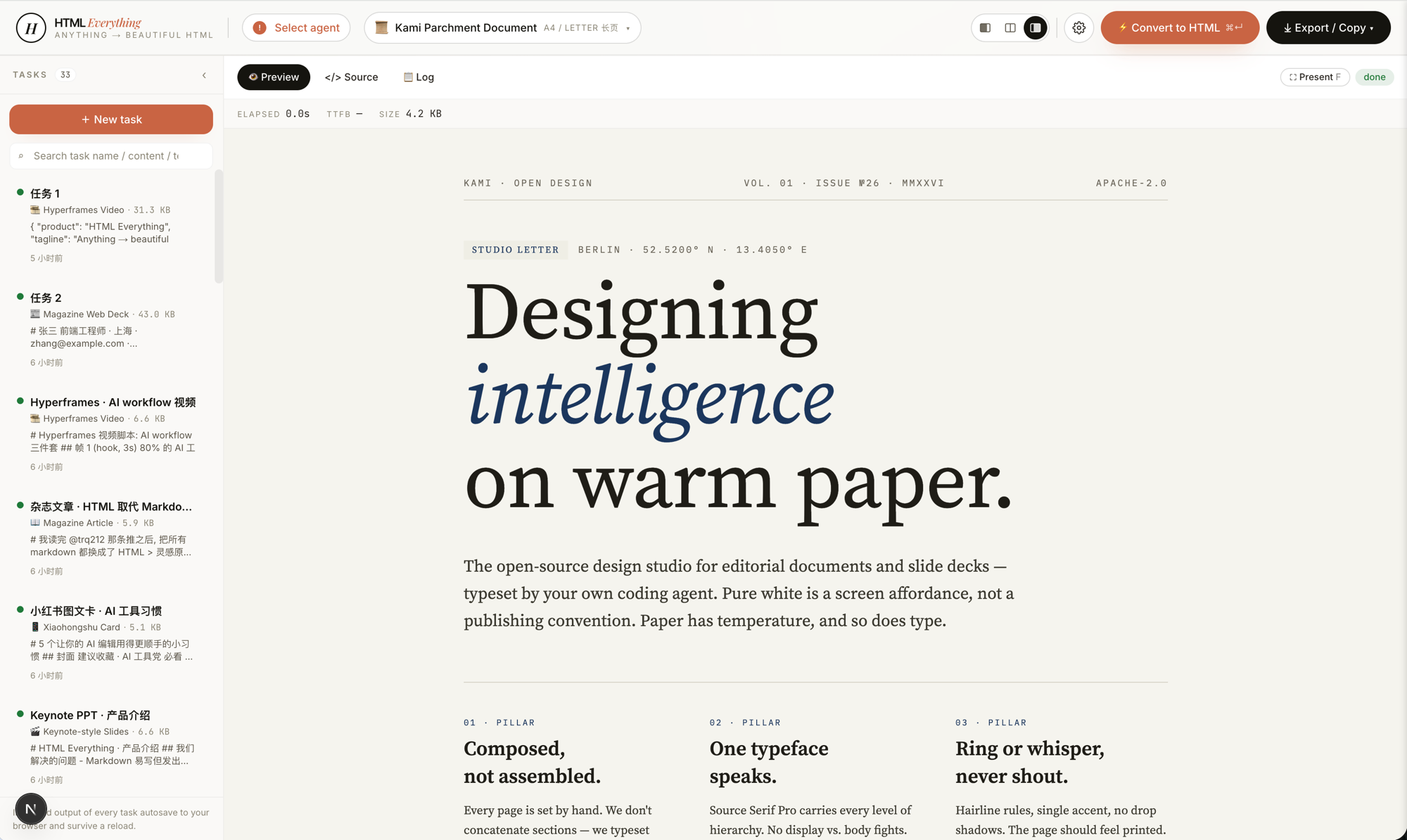
The value is that a piece of content is no longer limited to plain Markdown. It can be shaped into different visual artifacts depending on where it will be published.
4. Streams generation into a sandboxed preview
The generation flow uses SSE. HTML produced by the agent is appended into a frontend iframe in real time, so the user can watch the page appear as it is generated.
The overall structure looks like this:
  flowchart TD
    A[User input: Markdown / CSV / Excel / JSON / draft] --> B[Choose local agent]
    B --> C[Choose Skill template]
    C --> D[POST /api/convert]
    D --> E[Local CLI agent generates HTML]
    E --> F[SSE streaming response]
    F --> G[Sandbox iframe live preview]
    G --> H[Copy to platform or export HTML / PNG]
The preview runs inside a sandboxed iframe, which isolates generated content while still letting the user confirm the final result directly in the browser.
5. Exports directly to publishing platforms
After generation, the result can be copied or exported for different destinations:
- WeChat Official Account: inline CSS for fewer style losses when pasting
- Zhihu: rich text and formula-friendly handling
- X / Weibo / Xiaohongshu: high-DPI PNG export from the preview area
- Local files: download single-file
.htmlor.png
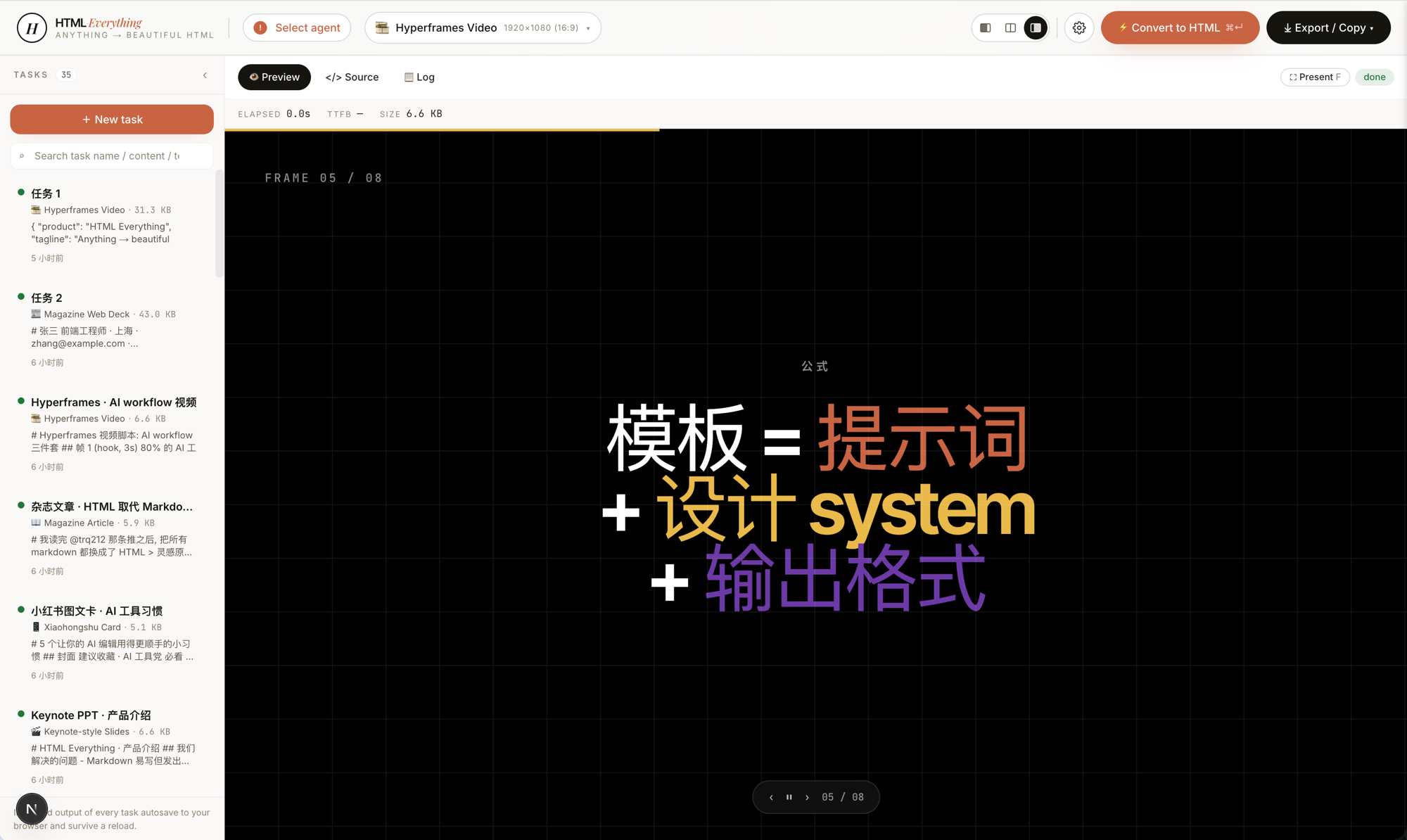
This makes it more than a page generator. It is closer to a publishing-oriented workbench.
Who is it for?
HTML Anything is a good fit for:
- People who often publish Markdown articles to WeChat, Zhihu, or social platforms
- Content creators who want to quickly produce long images, posters, decks, or data reports
- Developers already using local AI coding agents such as Claude Code, Cursor, or Codex
- Teams that want to move from “write first, format later” to “generate the deliverable directly”
- Developers interested in agentic editors, AI design workflows, and Skill-template systems
Quick start
git clone https://github.com/nexu-io/html-anything
cd html-anything
pnpm install
pnpm -F @html-anything/next dev
Then open:
http://localhost:3000Basic workflow:
- Choose a locally detected AI agent from the top bar
- Choose a Skill template
- Paste Markdown, tables, JSON, SQL, or a draft
- Press
⌘ + Enter - Preview the generated result in the iframe
- Copy it to a platform, or export
.html/.png
Conclusion
HTML Anything is not just another HTML editor. Its real value is connecting local AI agents, design templates, and platform exports into one content-delivery workflow.
It targets a very concrete problem: you already have the content, but you do not want to spend more time formatting, screenshotting, and adapting it for each platform.
If you already use tools like Claude Code, Cursor, or Codex, HTML Anything is a natural extension: let the agent generate not only code, but also the final artifact readers will actually see.